
Staying connected in Egypt is cheap and easy – if you buy the right way. A local Egypt SIM card with a generous data bundle costs a fraction of what your home carrier charges for roaming, takes ten minutes to set up at the airport, and makes everything else in Egypt simpler: Uber, Google Maps, translating menus, and messaging your hotel. Here is how to get connected, which carrier to pick, and what it should cost.
Do You Need a Local SIM?
For almost everyone, yes. International roaming in Egypt from US and European carriers typically runs $10+ per day for limited data. A local SIM gives you far more data for around $10-20 total for a two-week trip. The exceptions: if your phone plan includes cheap Egypt roaming (some premium plans do), or if you have an eSIM-compatible phone and prefer the convenience of a travel eSIM (more on that below).
Reliable data also feeds directly into a smoother trip – ride-hailing apps like Uber and Careem are the easiest way around Cairo, as our Uber in Cairo guide explains, and none of it works well without a connection. An Egypt SIM card solves this for less than the price of two coffees back home.
The Four Egyptian Carriers
Egypt has four mobile networks, and for tourists the practical choice is between the two biggest: Whichever network you pick, the process of getting an Egypt SIM card is the same: passport, one form, five minutes.
- Vodafone Egypt: The largest network and the default recommendation. Best overall coverage, including along the Nile cruise route and in most desert and Red Sea areas, and the most tourist-friendly airport kiosks.
- Orange Egypt: Comparable coverage in cities and tourist areas, competitive tourist packages, sometimes slightly cheaper.
- Etisalat (now branded e&): Solid in cities, thinner in remote areas.
- WE (Telecom Egypt): The newest and cheapest, with the weakest rural coverage – fine for a Cairo-only trip on a tight budget.
Honestly, for a standard Cairo-Luxor-Aswan-Red Sea trip, Vodafone or Orange both work well. Pick whichever kiosk has the shorter queue.
Buying an Egypt SIM Card at the Airport
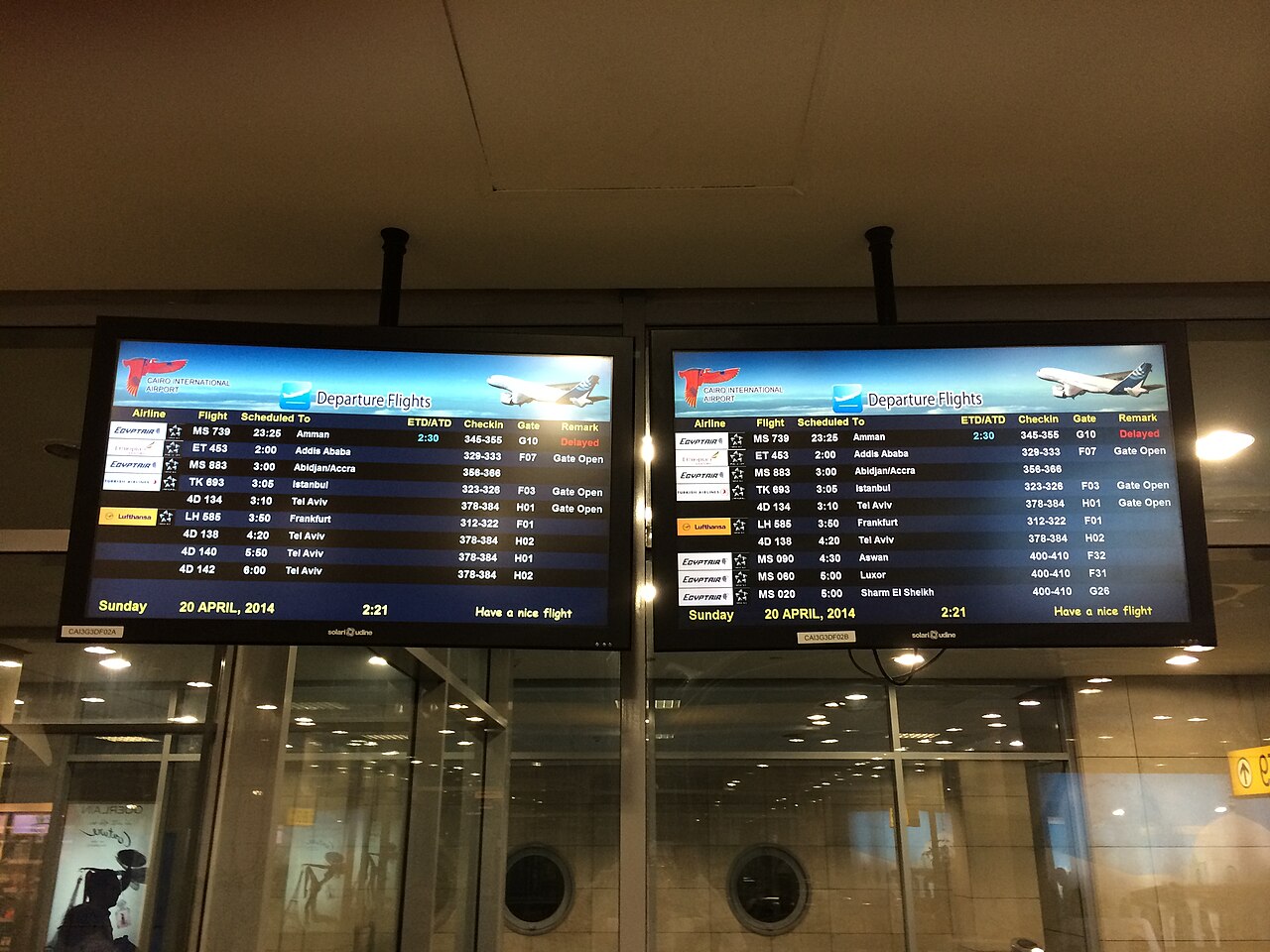
All four carriers have official kiosks in the arrivals hall at Cairo International Airport, and you will find similar setups at Hurghada, Sharm El Sheikh, Luxor and Marsa Alam airports. They are open around the clock for arriving flights, and the staff do this a hundred times a day – the whole process takes about ten minutes.
What to expect:
- Bring your passport – registration is required by law, no exceptions
- Your phone must be unlocked (if you bought it on a carrier payment plan, check before you fly)
- Staff will install the SIM, activate the plan and test it before you walk away
- Payment by card is usually fine; small cash works everywhere
Typical tourist packages at the airport run roughly 250-500 EGP ($5-10) for 10-30 GB of data with some local call minutes, valid for 28-30 days. Prices and bundles change constantly, so just ask each kiosk for their current “tourist SIM” offer and compare the data allowance. For most visitors, buying the Egypt SIM card at the airport is the right call: it costs a dollar or two more than in the city and saves you an errand on day one.
Buying in the City
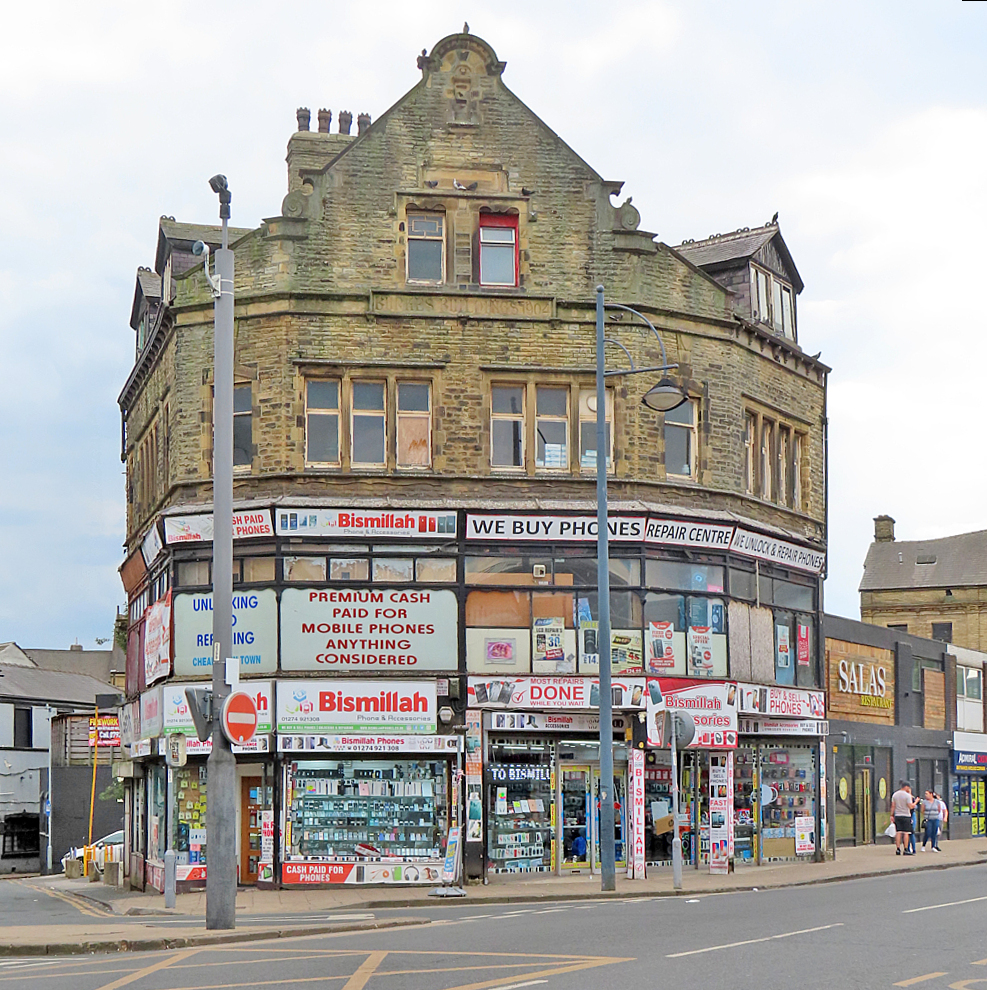
If you skip the airport, carrier stores are everywhere in cities – look for official branded shops (there are dozens in downtown Cairo, Zamalek, Luxor and Hurghada), not corner kiosks selling top-ups. In-store prices are often slightly cheaper than the airport, but airport convenience is worth a pound or two for most people. Avoid buying SIMs from street vendors or hotel shops – registration will be sloppy or nonexistent, and an unregistered SIM can be cut off. If you prefer to wait, buying your Egypt SIM card in the city is easy, and official stores handle the registration on the spot.
Travel eSIMs: The Convenient Alternative
If your phone supports eSIM (most iPhones from XS onward, recent Samsung Galaxy and Google Pixel models), a travel eSIM from providers like Airalo, Holafly or Nomad is the zero-effort option: buy online before you fly, scan a QR code, and you have data the moment you land. The trade-offs: eSIM data packages cost more per gigabyte than a local SIM (expect roughly $10-20 for 5-10 GB), most are data-only with no local number, and customer support is an email away rather than a shop around the corner.
A local number is useful in Egypt – some restaurant bookings, tour operators and the occasional delivery app expect one – so heavy users and longer trips are still better served by a physical local SIM. An eSIM is the only alternative to a physical Egypt SIM card worth considering, mainly for travelers who want data the moment the plane lands.
Coverage and Speed: What to Actually Expect
4G coverage is good in Cairo, Alexandria, Luxor, Aswan, Hurghada and Sharm El Sheikh, and speeds are fine for maps, messaging, video calls and social media. Expect blackspots or a drop to 3G/2G: on long stretches of desert road between cities, inside some temple complexes (Valley of the Kings coverage is patchy), in parts of the Sinai interior, and on sections of the Nile between Luxor and Aswan – though cruise boats increasingly carry decent Wi-Fi, as our Nile cruise guide notes.
Download offline maps of Egypt in Google Maps before you leave Wi-Fi, and you will never notice the gaps. Wherever you buy your Egypt SIM card, the coverage picture is nearly identical, because tourists end up on the same two networks.
Topping Up and Managing Your Data
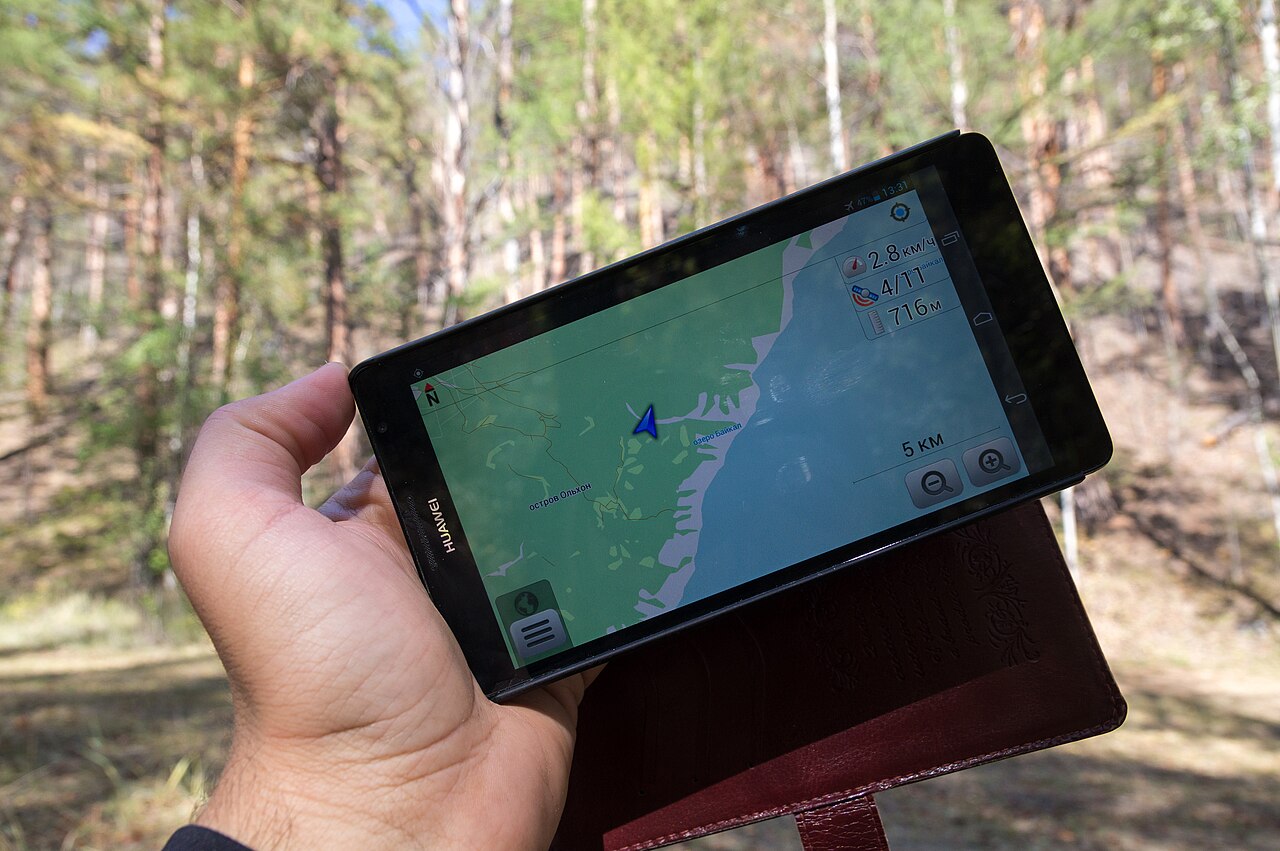
If you burn through your bundle, topping up is easy: carrier apps (My Vodafone, My Orange) accept international cards, and every neighborhood has shops selling recharge cards. Data dies fastest on video – download your shows and music over hotel Wi-Fi and save the mobile data for maps and messaging. A rough sense of real usage: navigation plus messaging plus some social media runs about 1-2 GB per week for most travelers, so the standard tourist bundles are generous. Topping up an Egypt SIM card takes about thirty seconds, and scratch cards from any kiosk work as a backup.
Wi-Fi in Egypt
Hotel Wi-Fi is universal but wildly variable – excellent in international chains, decorative in some budget guesthouses. Cafes in big cities increasingly offer customer Wi-Fi; ask for the password. Treat open networks with the usual caution: avoid banking on public Wi-Fi, or use a VPN if you must.
Staying Connected on a Budget
Connectivity is one of the cheapest parts of an Egypt trip. Total realistic spend for two weeks: $10-15 for the SIM and data, plus nothing for Wi-Fi at hotels and cafes. That small outlay replaces roaming bills that can exceed $100 and unlocks the transport hacks that save real money – Metro navigation, Uber fare estimates and train schedules. For the rest of the money picture, see our Egypt daily budget guide and the getting around Cairo guide. All in, an Egypt SIM card is one of the cheapest line items of the entire trip.
Using Your Phone for Transport, Translation and Payments
Your Egyptian data connection earns its keep in three daily moments. Transport: Uber and Careem both work in Cairo, Alexandria and (Careem only) Hurghada, and fare estimates inside the app double as your price benchmark even when you end up in a street taxi. Google Maps covers Egyptian cities well, including Cairo Metro stations. Translation: Google Translate’s Arabic offline pack handles menus and signs; the camera mode reads printed Arabic instantly, which turns baffling shop fronts into useful information.
Payments: Card acceptance is good at hotels, malls and tourist restaurants, but Egypt still runs on cash for tips, markets, taxis and small eateries – do not let a working phone convince you to skip the ATM. Mobile wallets (Vodafone Cash and similar) are how locals pay each other, but they require an Egyptian number and registration, so tourists rarely bother.
Dual SIM: Keeping Your Home Number Alive
Most modern phones are dual-SIM in some form – either two physical slots or one physical plus an eSIM. Use it. Keep your home SIM active for receiving bank verification texts and two-factor codes (which many banks still insist on sending by SMS), and set the Egyptian SIM as the data line. Disable data roaming on the home SIM before you board, or background syncing can quietly burn roaming megabytes at $10 each.
WhatsApp keeps working on your home number even while using Egyptian data – it verifies once and does not care which SIM provides the internet afterward. iMessage and FaceTime behave the same way. The one trap: if your home carrier is one of the expensive-roaming kind, answer as few voice calls as possible on the home line; call back over WhatsApp instead.
Phone Security and Practical Care
Your phone is your map, wallet and translator, so treat it accordingly. In crowded markets and on the Metro, keep it in a front pocket or zipped crossbody bag – phone snatching is uncommon in Egypt but the crowds at Khan el-Khalili reward carelessness anywhere in the world. Heat is the bigger enemy: phones left on car dashboards or used for long photo sessions at midday in Luxor overheat and throttle or shut down; give it shade breaks.
Carry a power bank on sightseeing days – navigation plus hundreds of photos drains batteries fast, and temple complexes have no outlets. A cheap lanyard or wrist strap is surprisingly useful when leaning over felucca rails and balloon baskets for photos. And before the trip, back everything up and note your phone’s IMEI number somewhere safe – the one piece of admin you will be grateful for if the worst happens.
Quick Checklist
- Confirm your phone is unlocked before departure
- Decide: airport SIM (cheapest data, local number) or travel eSIM (zero hassle)
- Have your passport ready at the kiosk
- Download offline maps and translation packs while still on home Wi-Fi
- Save your hotel’s phone number and address in Arabic – invaluable for taxi drivers
Ten minutes and ten dollars at the airport, and Egypt’s greatest modern convenience is in your pocket for the whole trip. Get your Egypt SIM card at the airport, load a maps app and a ride-hailing app, and the practical side of the trip is handled.
Your turn: Which carrier did you end up with, and how was the coverage on your route? Your report in the comments helps the next traveler.